3D Scanning Series: From Scan to Model (in Fusion 360)
Schedule
Sun, 08 Mar, 2026 at 03:00 pm to Sun, 19 Apr, 2026 at 04:30 pm
UTC-06:00Location
9110 W 44th Ave | Wheat Ridge, CO

About this Event
So, you've scanned an object to create a 3D mesh file. What's next?
In this beginner-friendly class, we'll explore the steps beyond 3D scanning to learn how to make useful objects or reference files based on what got exported by the scanning software.
You'll learn how to:
- Orient and align an imported 3D mesh into the Fusion workspace
- Sketch out exact measurements of curves and complex shapes
- Create new objects based on the shapes of your scanned object
- Subtract your scanned object from a created object to create a perfect cutaway
No prior experience needed — just bring your curiosity, and maybe a file from a previous scanning session. Sample starting files will be provided for various concepts.
DISCLAIMER: This a class specifically to learn the software side of 3D scanning, AKA, "how do I get my 3d scan to a printable 3d model?" To learn the hardware basics of physically scanning something, check out our other class:
3d Scanning Series: Intro to Scanning (with the Creality Ferret Pro)
3D Scanning Series workshops can be taken in any order.
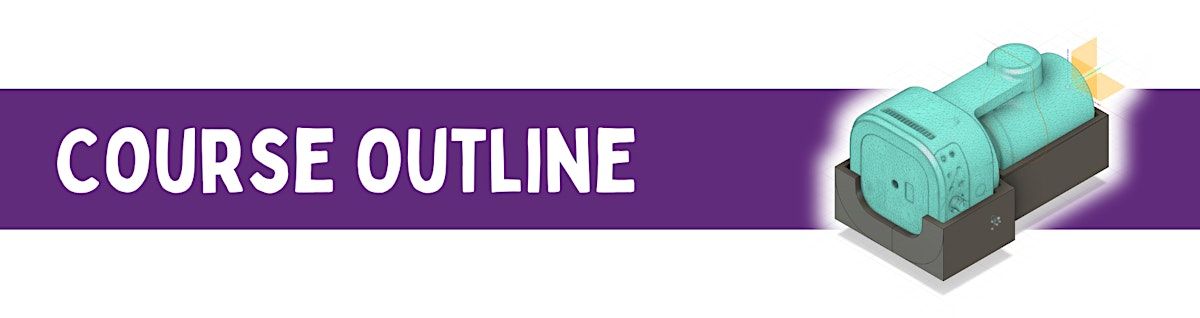
Here's a breakdown of what we'll cover in this course:
- Intro & The Mesh Problem – What's the difference between a scan file and "real" CAD? We'll break down why they're not the same and how to bridge the gap
- Alignment & Scaling – Get your scan into a useful orientation — then double-check it's actually the right size
- Repairing the Mesh – Patch holes, fill in missing chunks, beef up thin walls, and get your model ready for printing
- 2D Extraction – Make precise measurements of your scan to pull out clean, usable lines and shapes you can send straight to a laser cutter or CNC software
- 3D Modeling & Booleans – Build a part that fits around your scan like a glove, with just enough wiggle room to snap into place
- Troubleshooting – Catch the common gotchas before they crash your print or confuse your cutter — plus open Q&A
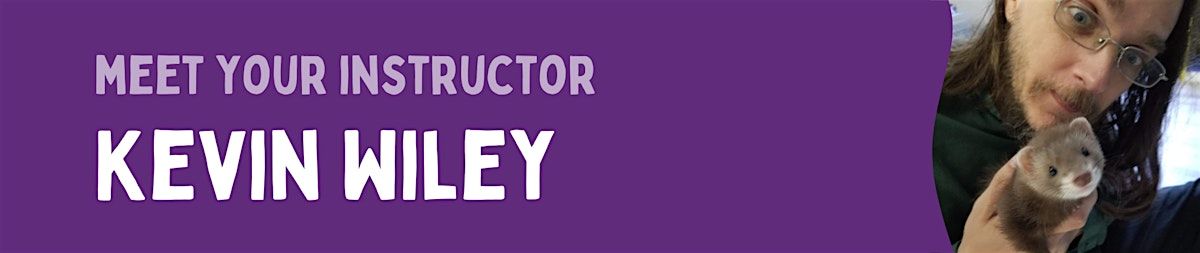
Pronouns: he/him
Kevin Wiley is a freelance project manager for creatives and a curriculum architect for OpenPathEducation.com. He's a good person to ask about 3D printing and 3D Scanning, if you see him in the Fab Lab.
When he's not teaching at Clear Creek Makerspace, he's busy with his many side gigs: live-streaming and capturing video for weddings, concerts, and other special events; managing projects and careers for creative professionals; running kickstarter campaigns; wrangling gigantic quantities of data; and providing consulting for logistics, marketing, and operations for small businesses and startups. If you ask him about his ferrets, he will probably never stop talking.
Where is it happening?
9110 W 44th Ave, 9110 West 44th Avenue, Wheat Ridge, United StatesEvent Location & Nearby Stays:
USD 0.00