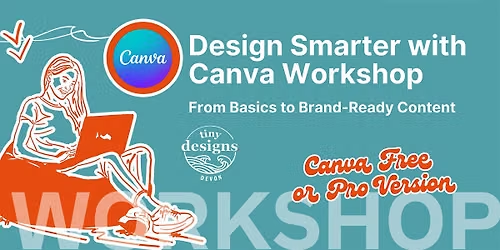
Design Smarter with Canva: From Basics to Brand-Ready Content

About this Event
Whether you’re brand new to Canva or already using it regularly, this hands-on small in person workshop will help you design with confidence and intention — using Canva Free or Pro.
We’ll start by recapping the fundamentals where needed, then build up to smarter workflows and creative shortcuts that save time and elevate your designs.
What you’ll learn
- A clear overview of Canva Free vs Pro — and how to get the most out of both
- Core design principles to make your content look polished and professional
- How to use colour and typography effectively (without overwhelm)
- Working with layers, alignment, and layout for clean designs
- Practical image editing tools inside Canva
- How to create and use Brand Kits- Including a smart hack for Free users
- Designing and saving your own reusable templates
- A simple, beginner-friendly introduction to animation to bring your designs to life
Who this workshop is for
- Small business owners, side hustlers, marketers, and content creators
- Anyone using Canva who wants better-looking designs without being a designer
- Free or Pro users — both are fully supported
By the end of the session, you’ll hopefully walk away with clear design knowledge, reusable assets, and practical skills you can apply immediately to social posts, presentations, marketing materials, and more... and all included in the booklet provided to take home after.
✨ No design background required — just bring your laptop and creativity.
(Minimum 3 people required)
Book now
** please note - you will require your own laptop or ipad with a downloaded 'free' version of Canva beforehand (preferable the Canva App) with an already created account https://www.canva.com- any problems, please contact me [email protected]
Where is it happening?
Event Location & Nearby Stays:
GBP 50.55