Intro to Laser Cutting and Vector Editors

About this Event
Description
A hands-on class designed to transform your digital ideas into tangible, laser cut creations. This introductory course welcomes anyone with basic computer skills and a curiosity for crafting. You'll delve into the exciting world of laser cutting, learning the fundamentals of vector editing and understanding how to bring your designs to life using state-of-the-art makerspace equipment. Through practical demonstrations and personalized guidance, you'll gain the skills to customize, create, and take home your very own laser-cut project, perfect for unique gifts or personal keepsakes.
Class Themes:
Our classes will focus on engraving and cutting out a variety of materials, using preprovided logos/designs or student submissions (time permitting).
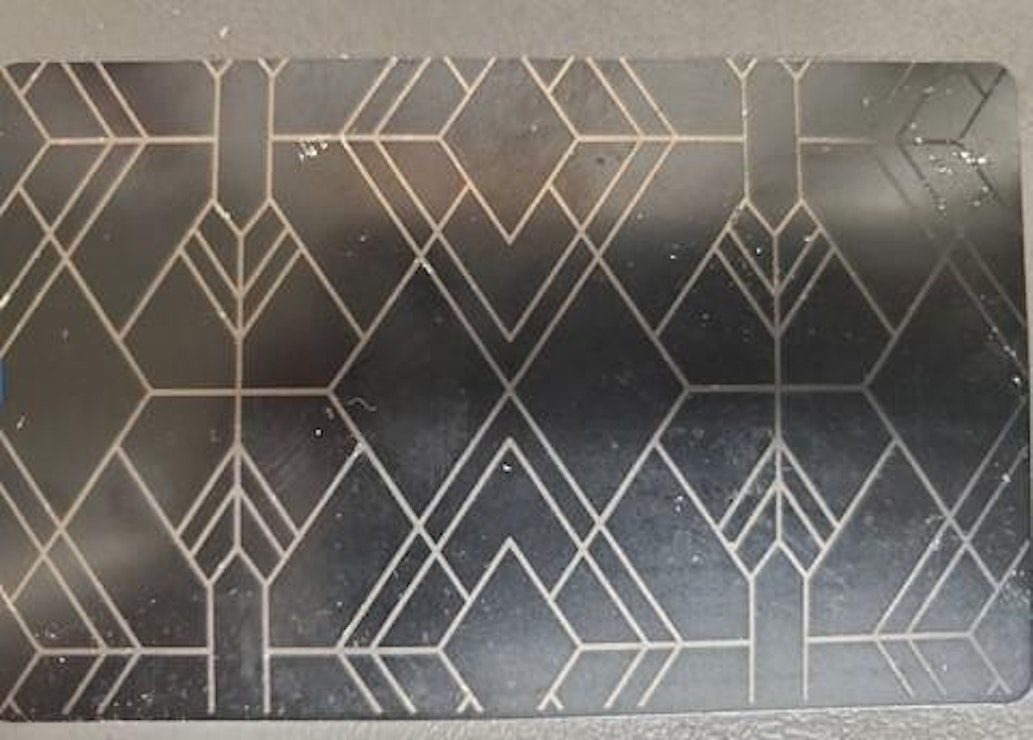
Common Theme: Aluminum Etched Cards
Engrave standard size aluminum business cards
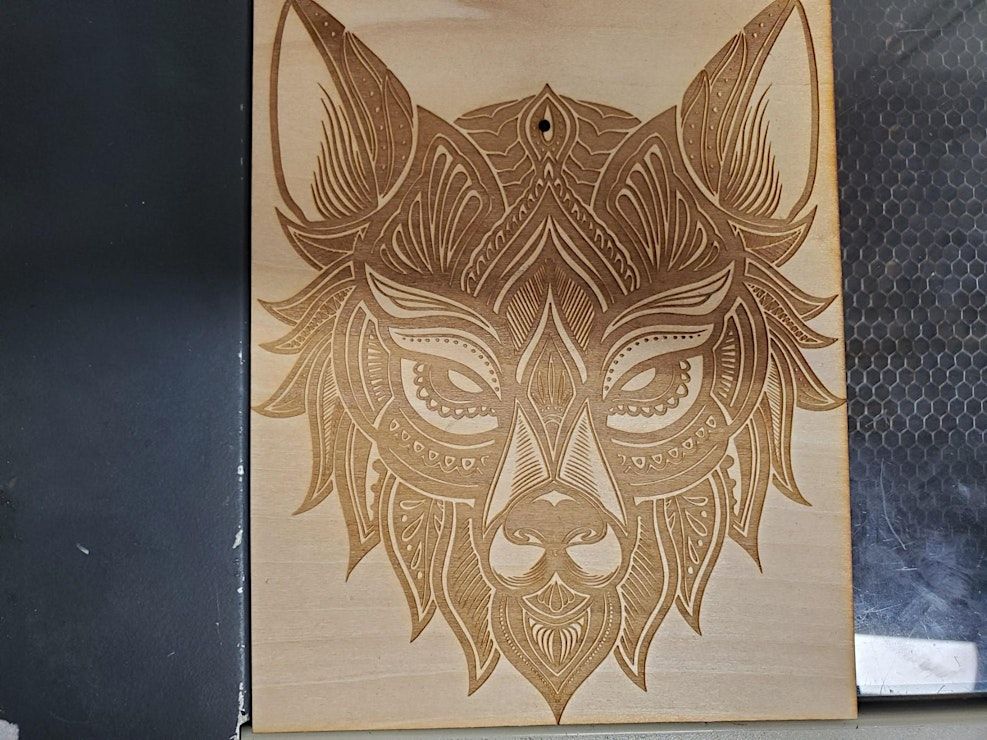
Common Theme: Thin Wood
This class will focus our efforts on engraving and cutting into 3mm or 6mm wood pieces.
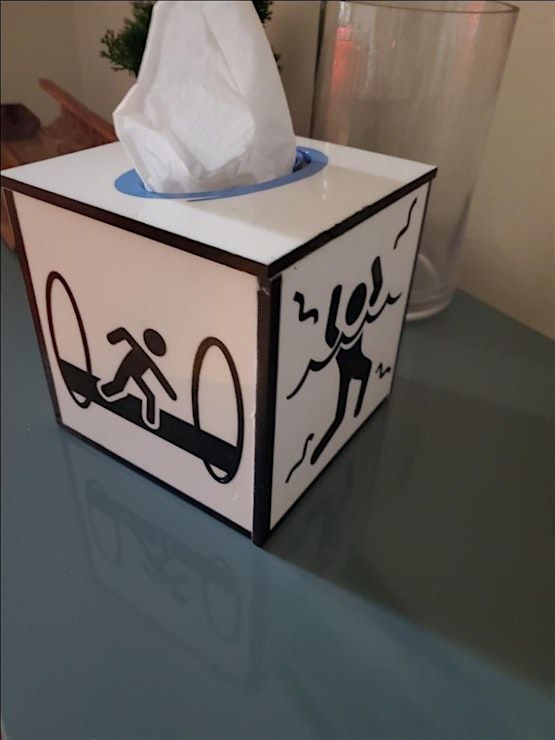
Common Theme: Acrylic
3mm or 6mm colored acrylic
Special Themes:
Around certain times of the year, options will be presented to the students to make a thematic project, which can be perfect as a gift or decoration!
Normal Examples: Valentines Day, Easter, Midsummer, 4th of July, Halloween, Harvest Celebration/Thanksgiving, Hannukkah, Christmas, etc.
Special-Interest Examples: Pride month, Neotropolis (cyberpunk camping weekend), Wasteland Weekend (Mad-max-ish camping weekend)
About your instructor
Theo is excited to share the fun and creativity of laser cutting and vector editors. For the past year, he has been exploring these tools and software at CrashSpace, the local Hackerspace. As a game designer, Theo creates things digitally, and laser cutting and 3D printing allow them to bring those digital designs into the real world. Using this background, Theo is inspired to teach the basics of vector editing and laser cutting, so attendees can create their own fun gifts.
Who this class is for
This introductory class is perfect for anyone comfortable with basic computer use who is curious about bringing digital designs to life. If you've ever wanted to engrave wood, cut acrylic, or even laser engrave on aluminum, this class is for you! It's also a fantastic opportunity to learn how to create fun art or custom gifts for the important people in your life.
Requirements:
This class is open to individuals 18 and older, and no makerspace membership or prior experience with vector editing or laser cutting is required. We recommend wearing comfortable clothing as this is a fully indoor event. You won't need to bring your own computer, as all materials and equipment will be provided for you.
Class Contents
- Showcase of the makerspace's offerings.
- Introduction to laser cutting and engraving, including different types of lasers.
- Overview of what can be done using laser cutting.
- Understanding the difference between vector and raster images.
- Basic overview of a vector editor.
- Hands-on demo showcasing how to create a vector from scratch and cut it out.
- Supervised opportunity for each attendee to customize, create, and bring home a laser-cut take-home project.
Take-Homes
By the end of this class, you'll have:
- A foundational understanding of laser cutting and vector editing.
- The ability to differentiate between vector and raster images.
- Practical experience creating a digital design and bringing it to life with a laser cutter.
- Your very own custom-made, laser-cut project.
Agenda
?: 01:00 PM - 02:00 PM
Intro to Laser Cutting Class Segment
Info: Live teaching section done in the front room.
?: 02:00 PM - 02:15 PM
Break and Makerspace Tour
Info: Break time after the class and tour of the Makerspace for interested people
?: 02:15 PM - 02:45 PM
Live Demo Of Vector Editing, Laser Setup, and Laser Cutting
Info: This is the segment where I apply what is taught in the class to show the process happening on the laser cutter itself, including testing values, adjusting document dimensions, doing test engraves/cuts, and actively asking students for any questions. This segment occurs in Shop 1, in the back side of the Makerspace.
?: 02:45 PM - 04:00 PM
Student Projects + Buffer Time
Info: Each student is now invited to laser cut their own project, whether one of the offered sample projects, or their own design. Order priority is given to those on tighter time schedules or with simpler projects as to best accommodate all students. If there is significant extra time, opportunities to cut additional designs will be granted at the teacher's discretion.
Where is it happening?
Event Location & Nearby Stays:
USD 17.85 to USD 25.00
