AI Productivity Skills: 1-Day Course in Adelaide

About this Event
Bring your team and save:
1. Groups of three or more receive a 10% discount
2. Organizations hosting an in-house session with 10+ participants enjoy a 15% discount.
About the course:
🗓 Duration: 1 Full Day (8 Hours)
👨🏫 Delivery: Classroom (In-Person)
🌐 Language: English
🎓 Credits: 8 Credits / PDUs
📜 Certification: Course Completion Certificate
☕ Refreshments: Lunch & Refreshments
🎟 Early Bird Registration Available
If you would like weekend training sessions, kindly reach out to us at [email protected] for availability and scheduling.
Transform the Way You Work with AI
Today's workplace requires professionals to manage multiple responsibilities while maintaining productivity and delivering results quickly. AI is changing how work gets done by supporting automation, decision-making, and improved efficiency.
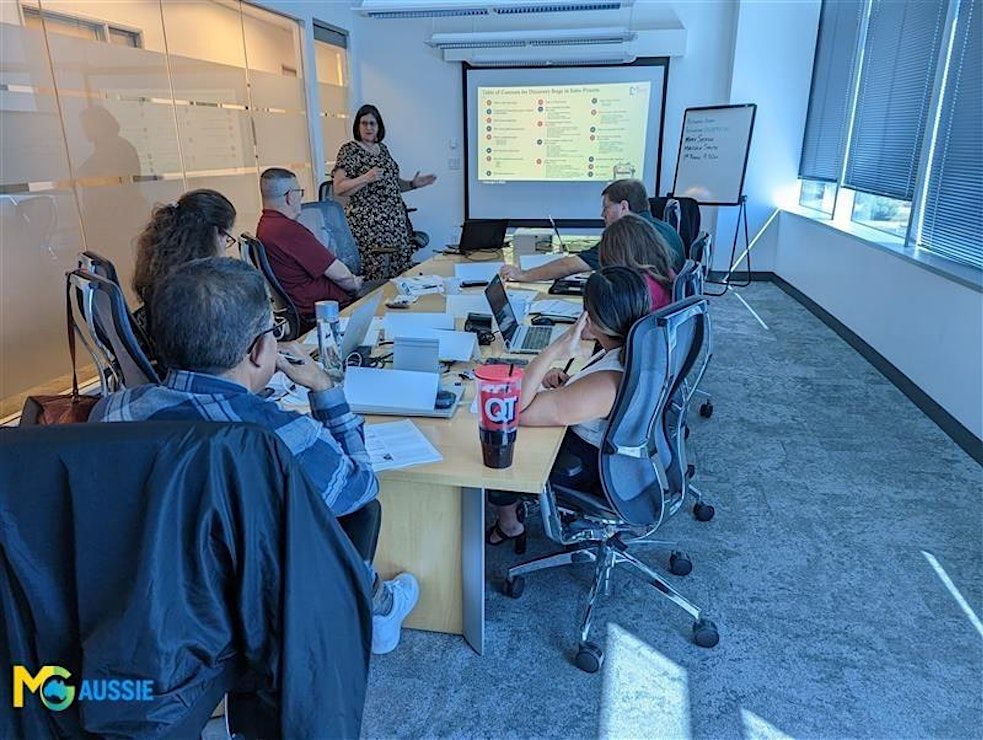
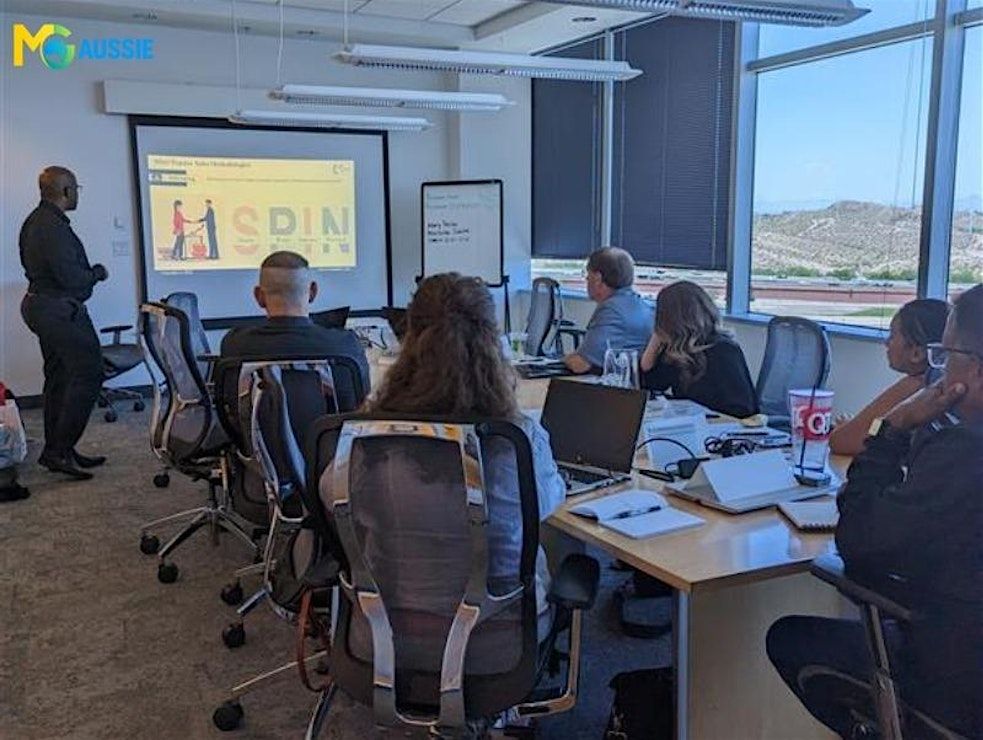
This practical masterclass teaches you how to use AI as a daily productivity assistant. With real-world examples and hands-on activities, you'll learn how to streamline workflows, improve workplace communication, create content faster, manage information effectively, and develop smarter working habits.
During This Workshop, You Will Learn How To:
- Reduce time spent on repetitive activities
- Improve email and communication management
- Generate reports and summaries efficiently
- Prioritize important tasks
- Create AI-powered workflows
- Improve personal and team productivity
- Use AI to support decision-making
- Apply AI confidently to everyday work
Who Should Attend?
The course is designed for:
- Business Professionals
- Administrative Professionals
- Executive Assistants
- Team Leaders
- Project Coordinators
- Operations Professionals
- Reporting Teams
- Managers and Supervisors
- Business Support Teams
- Knowledge Workers
- Anyone wanting to save time with AI
No technical or programming knowledge is required.
What Makes This Course Different?
The programme is centred on the real responsibilities professionals handle every day. Instead of focusing on abstract AI concepts, it provides a practical progression from foundational capabilities to advanced productivity techniques.
Participants will apply AI to communication, reporting, planning, research, prioritization, and workflow automation through workplace scenarios and hands-on exercises.
Why Choose Us?
Our approach provides:
- Experienced instructors
- Business-focused learning
- Hands-on demonstrations
- Workplace-based scenarios
- Interactive instructor-led sessions
- Practical frameworks
- Reusable resources
- Immediate application
- Focus on productivity, efficiency, and business outcomes
Work Smarter Every Day
AI can help modern professionals reduce manual work, manage priorities more effectively, and accomplish more in less time.
Gain practical techniques and proven workflows that can help you become more productive from day one.
©2026 MG Aussie Events. This content is protected by copyright law. Copy or Reproduction without permission is prohibited
Why Organizations Send Their Teams
Organizations invest in AI productivity training to help employees:
• Improve efficiency across everyday work activities
• Reduce time spent on repetitive administrative tasks
• Increase productivity and output quality
• Enhance communication and collaboration
• Improve reporting and decision-making processes
• Support digital transformation initiatives
• Reduce workload bottlenecks
• Build future-ready workplace capabilities
Event Highlights
• Practical AI Productivity Training
• Real Workplace Applications
• Email & Communication Optimization
• Reporting & Research Techniques
• AI-Powered Planning Tools
• Workflow Automation Strategies
• Interactive Exercises
• Business Case Studies
• Premium Resource Library
• Certificate Included
📧Ready to bring this powerful workshop to your team? Contact us at [email protected] to schedule your customized in-house session.
Agenda
Module 1: The AI-Powered Professional
Info: • How AI tools fit into a modern professional's daily workflow
• Overview of leading AI assistants and where each one excels
• Setting realistic expectations: what AI does well and where it falls short
• Getting started – setting up an efficient AI workspace
• Time Audit – Where Is Your Week Actually Going?
Module 2: Prompting Essentials
Info: • Writing clear, structured prompts that get it right the first time
• Giving context and constraints to reduce back-and-forth
• Iterating quickly on AI output
• Common mistakes that slow professionals down
• Prompt Makeover Workshop
Module 3: Taming Email and Communication
Info: • Drafting, replying to and summarising emails in seconds
• Managing tone and professionalism across different audiences
• Turning meeting notes into clear action items and follow-ups
• Building a personal library of reusable message templates
• The Inbox Zero Challenge
Module 4: Faster Reporting and Research
Info: • Summarising long documents, reports and research quickly
• Structuring and drafting reports, updates and proposals with AI support
• Turning raw notes and data into polished, presentable output
• Extracting key insights from large volumes of information
• From Raw Notes to Client-Ready Report
Module 5: Planning, Prioritising and Decision Support
Info: • Using AI to plan projects, break down tasks and set timelines
• Prioritising a busy workload with AI-assisted decision frameworks
• Comparing options and weighing trade-offs with AI support
• Preparing for meetings and presentations faster
• Plan a Week's Workload in 15 Minutes
Module 6: Advanced Workflows and Automation
Info: • Chaining AI steps together to handle complex, multi-part tasks
• Designing repeatable routines and templates for recurring weekly work
• Connecting AI tools with everyday apps, documents and data
• Orchestrating multiple AI tools for a single end-to-end deliverable
• Build Your Own Productivity Playbook
Module 7: Mastering Safe, Strategic AI Use
Info: • Critically evaluating and fact-checking AI output
• Data privacy, confidentiality and organizational risk considerations
• Recognizing bias and limitations in AI-generated content
• Building responsible AI work habits
• When AI Gets It Wrong – Spotting and Correcting Errors
Hands-On Business Exercises
Info: Throughout the day you'll complete practical exercises using realistic business scenarios.
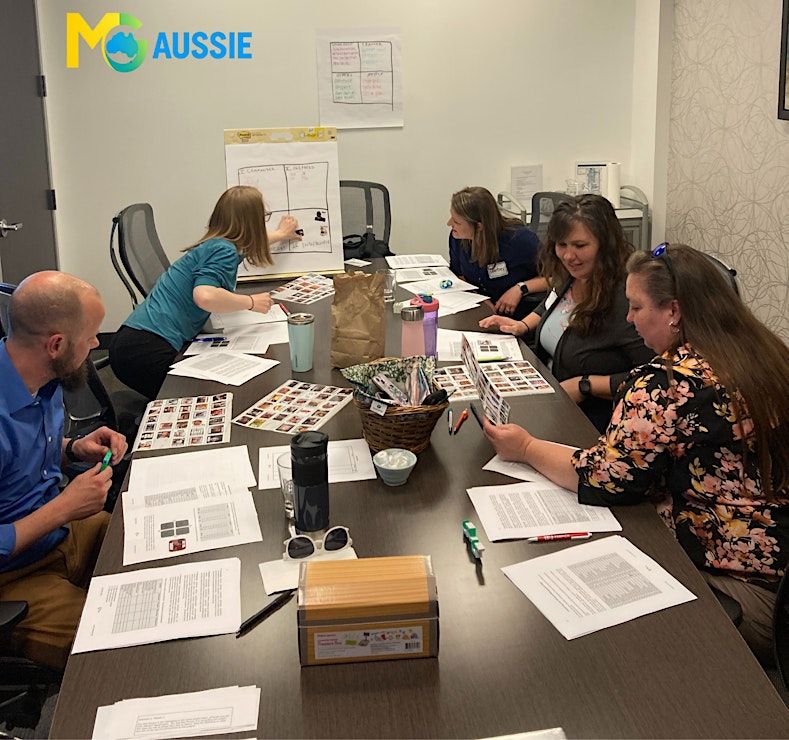
Throughout the day you'll complete practical exercises using realistic workplace scenarios.
• Time Audit – Where Is Your Week Actually Going?
• Prompt Makeover Workshop
• Inbox Zero Challenge
• Email Drafting and Response Exercises
• Meeting Summary and Action Planning Activities
• Report Writing and Document Summarization Exercises
• Client-Ready Report Case Study
• Workload Prioritization Workshop
• AI-Assisted Decision-Making Exercises
• Productivity Workflow Design Activities
• Build Your Own Productivity Playbook
• Responsible AI and Risk Management Scenarios
Where is it happening?
Event Location & Nearby Stays:
AUD 423.79 to AUD 847.33