Microsoft 365 Copilot Skills – 1-Day Course in Melbourne

About this Event
Bring your team and save:
1. Groups of three or more receive a 10% discount
2. Organizations hosting an in-house session with 10+ participants enjoy a 15% discount.
About This Course
🗓 Duration: 1 Day (8 Hours)
👨🏫 Delivery: Live Instructor-Led Classroom Training
🎓 Certificate: Professional Certificate of Completion
🎟 Early Bird Registration Available
Refreshments: Lunch, snacks, and beverages will be provided during the session
If you would like weekend training sessions, kindly reach out to us at [email protected] for availability and scheduling.
Work Smarter with Microsoft Copilot
What if you could create reports faster, draft professional emails more easily, analyze information quickly, and develop presentations with AI—all through Microsoft 365?
Organizations across Australia are turning to Microsoft Copilot to enhance productivity, simplify workflows, and improve collaboration. This one-day Microsoft Copilot Masterclass is designed to help professionals confidently use Copilot within Word, Excel, Outlook, Teams, and other Microsoft 365 applications.
No programming or technical background is necessary. Participants will gain practical skills they can apply immediately to everyday workplace tasks.
Why Choose This Masterclass?
Rather than providing a general introduction to AI, this workshop focuses specifically on Microsoft Copilot and its business applications.
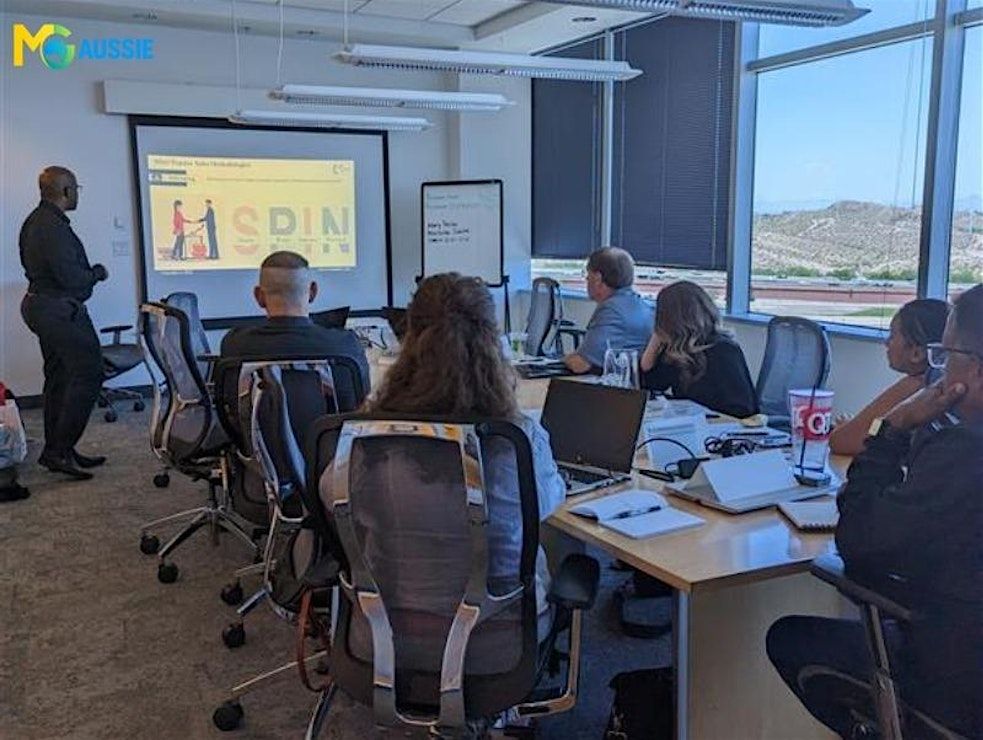
Participants will learn through demonstrations, guided practice, and workplace scenarios that show how Copilot can assist with everyday responsibilities.
Learning Outcomes
You will learn how to:
- Use Copilot across Microsoft 365.
- Write effective prompts.
- Reduce repetitive work.
- Create documents, reports, emails, and summaries.
- Analyze Excel information and generate insights.
- Improve communication and collaboration through Teams and Outlook.
- Use AI responsibly and securely.
Practical Skills Covered
- Creating professional documents
- Drafting emails
- Analyzing Excel data
- Preparing reports and summaries
- Supporting collaboration in Teams
- Automating repetitive tasks
- Improving AI prompts
- Applying secure and responsible AI practices
Who Should Attend?
The workshop is suitable for business professionals, managers, team leaders, project managers, administrative professionals, business analysts, HR professionals, finance professionals, marketing and sales teams, operations managers, customer support teams, consultants, educators, and Microsoft 365 users.
No previous AI or programming experience is required.
What Makes the Course Different?
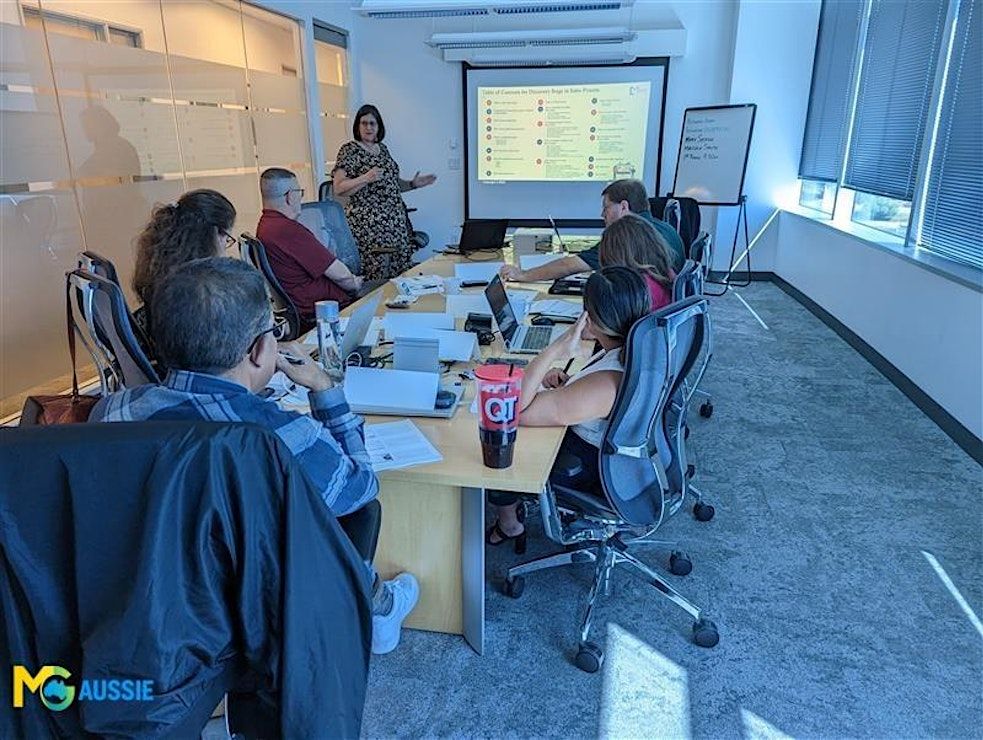
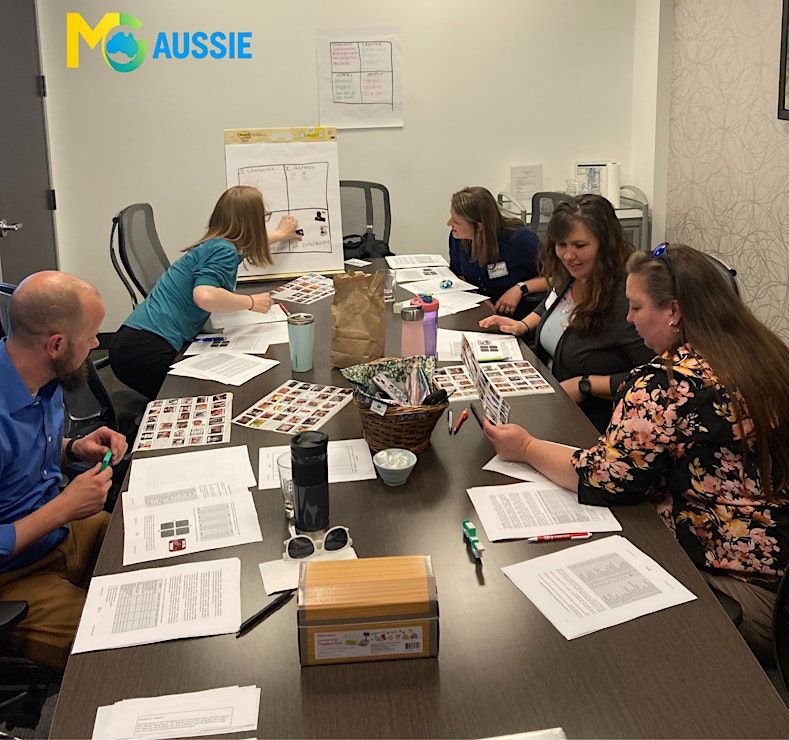
The emphasis is on practical application rather than theory. Participants will work with realistic business situations, guided exercises, demonstrations, and interactive activities to develop confidence using Microsoft Copilot.
Why Choose Us?
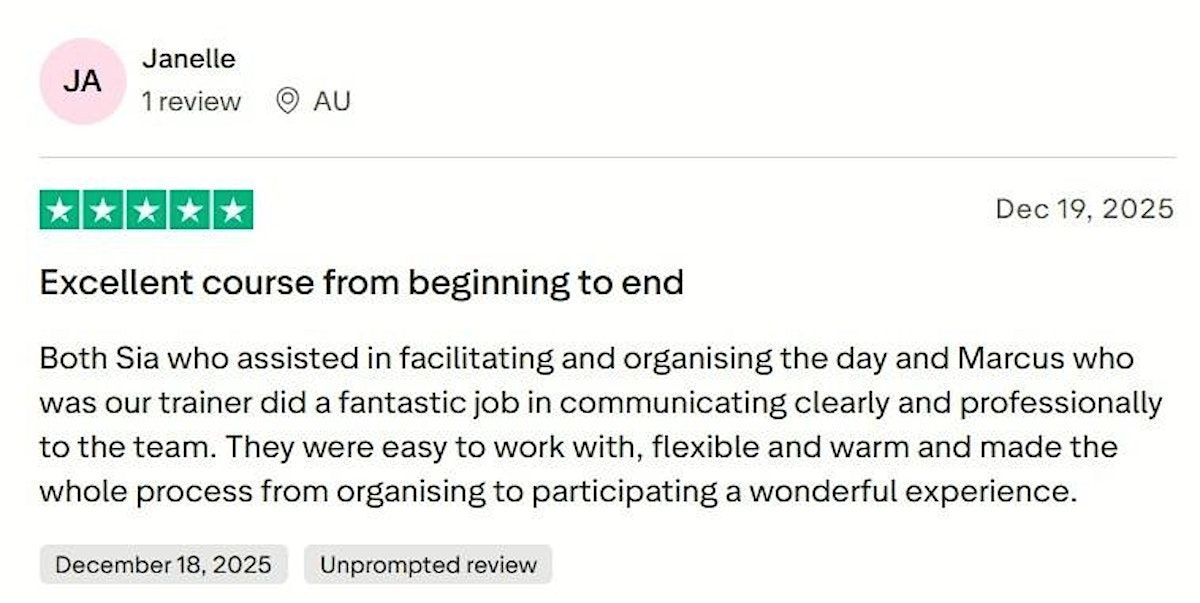
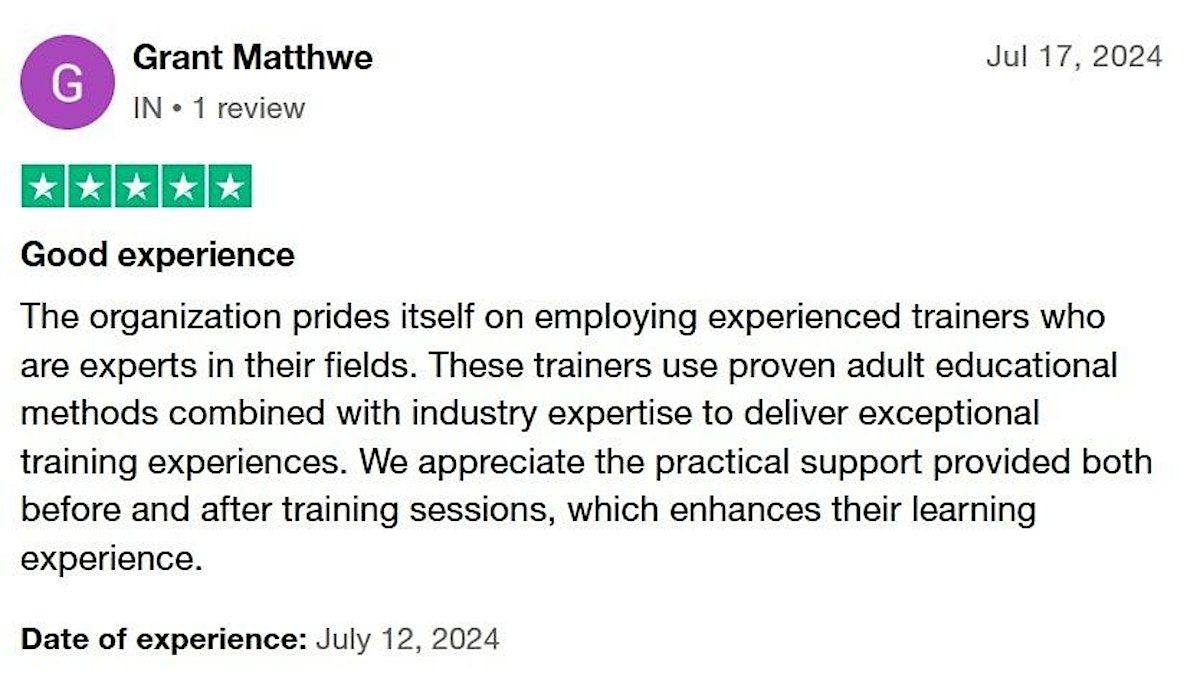
Our practical, instructor-led approach combines expert guidance with hands-on learning and real-world workplace examples.
Participants gain useful resources and practical techniques to improve productivity, simplify workflows, strengthen collaboration, and make better use of Microsoft 365.
Unlock the Power of Microsoft 365
Develop practical Microsoft Copilot skills that can help you save time, automate routine work, improve efficiency, and get more from the Microsoft 365 tools you already use.
©2026 MG Aussie Events. This content is protected by copyright law. Copy or Reproduction without permission is prohibited
Why Organizations Choose Microsoft Copilot Training
Organizations invest in Microsoft Copilot training to help employees:
• Improve workplace productivity
• Reduce repetitive manual tasks
• Enhance collaboration across teams
• Produce higher-quality documents
• Improve communication
• Analyze business information more efficiently
• Accelerate digital transformation
• Increase Microsoft 365 adoption
Event Highlights
- Instructor-Led Training
- Hands-On Microsoft Copilot Practice
- Real Workplace Scenarios
- Interactive Exercises
- Practical Business Applications
- Microsoft 365 Productivity Tips
- AI Prompt Engineering
- Resource Library Included
- Certificate Included
📧Ready to bring this powerful workshop to your team? Contact us at [email protected] to schedule your customized in-house session.
Agenda
Module 1: Introduction to Microsoft Copilot
Info: • Understanding Microsoft Copilot and how it works
• Overview of AI-assisted workplace productivity
• Key features and capabilities across Microsoft 365
• Business use cases and productivity benefits
• How Copilot supports everyday work tasks
• Introduction to Microsoft Graph and contextual AI
• Activity: Identifying Your Copilot Use Cases
Module 2: Crafting Effective Prompts
Info: • Understanding prompt structure
• Writing clear and effective instructions
• Using context, format, and tone for better outputs
• Refining and iterating prompts for improved accuracy
• Avoiding vague prompts and common prompting mistakes
• Best practices for achieving reliable AI responses
• Activity: Prompt Writing Challenge
Module 3: Copilot for Microsoft Word
Info: • Creating documents from simple prompts
• Summarizing lengthy reports and documents
• Rewriting content for different audiences
• Editing tone, style, and formatting
• Generating professional reports and proposals
• Improving document consistency and readability
• Activity: The Rewrite Challenge
Module 4: Copilot for Excel
Info: • Generating formulas using natural language
• Cleaning and organizing data efficiently
• Creating tables and business insights
• Building charts and visualizations
• Performing trend and scenario analysis
• Extracting meaningful information from datasets
• Activity: Excel Data Analysis Challenge
Module 5: Copilot for Outlook
Info: • Drafting professional emails and replies
• Summarizing long email conversations
• Extracting action items from email threads
• Managing calendars and scheduling meetings
• Improving communication with AI assistance
• Organizing inbox tasks more efficiently
• Activity: Smart Email Productivity Exercise
Module 6: Copilot for Teams
Info: • Generating meeting summaries automatically
• Extracting action items and follow-ups
• Creating collaborative prompts
• Drafting meeting recap messages
• Enhancing communication within teams
• Improving collaboration using Microsoft Teams
• Activity: Teams Meeting Simulation
Module 7: Workflow Automation with Copilot
Info: • Automating repetitive daily tasks
• Creating AI-assisted workflows
• Integrating Copilot with Microsoft 365 applications
• Managing documents, lists, and work routines
• Improving operational efficiency through automation
• Real-world workflow automation examples
• Case Study: AI-Powered Project Management Workflow
Module 8: Best Practices & Responsible AI Use
Info: • Data security awareness
• Ethical and responsible AI usage
• Human review and quality assurance
• Avoiding common AI mistakes
• Writing secure and responsible prompts
• Applying AI with confidence in the workplace
• Role Play: Responsible AI in Action
Where is it happening?
Event Location & Nearby Stays:
AUD 900.27 to AUD 1217.93