Microsoft 365 Copilot Mastery: 1-Day Course | Melbourne

About this Event
Bring your team and save:
1. Groups of three or more receive a 10% discount
2. Organizations hosting an in-house session with 10+ participants enjoy a 15% discount.
About This Course
🗓 Duration: 1 Day (8 Hours)
👨🏫 Delivery: Live Instructor-Led Classroom Training
🎓 Certificate: Professional Certificate of Completion
🎟 Early Bird Registration Available
Refreshments: Lunch, snacks, and beverages will be provided during the session
If you would like weekend training sessions, kindly reach out to us at [email protected] for availability and scheduling.
Transform the Way You Work with Microsoft Copilot
Imagine completing reports in minutes, drafting professional emails effortlessly, analyzing data instantly, and creating presentations with AI—all within Microsoft 365.
Across Australia, organizations are embracing Microsoft Copilot to boost productivity, streamline workflows, and enhance collaboration. This practical one-day Microsoft Copilot Masterclass equips professionals with the skills to confidently use AI within Word, Excel, Outlook, Teams, and other Microsoft 365 applications—without any programming or technical expertise.
Whether you're a professional, manager, or business leader, you'll gain practical, workplace-ready skills to maximize productivity and work more efficiently with Microsoft Copilot.
Why Professionals Choose This Microsoft Copilot Masterclass
Unlike general AI courses, this hands-on workshop focuses specifically on Microsoft Copilot and its real-world business applications across Microsoft 365.
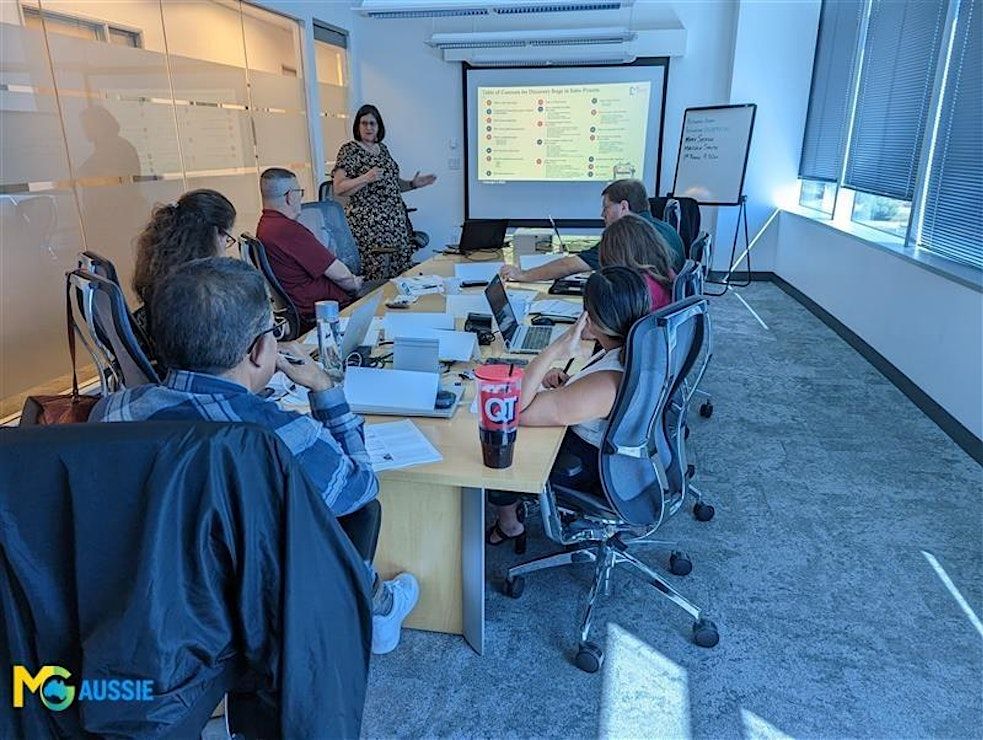
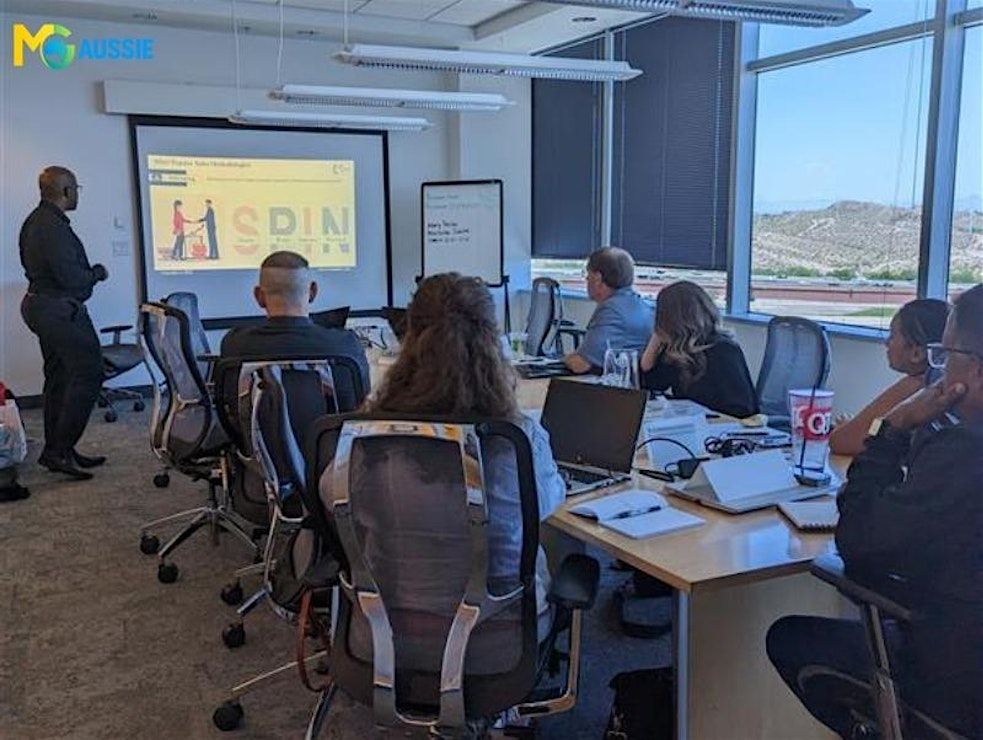
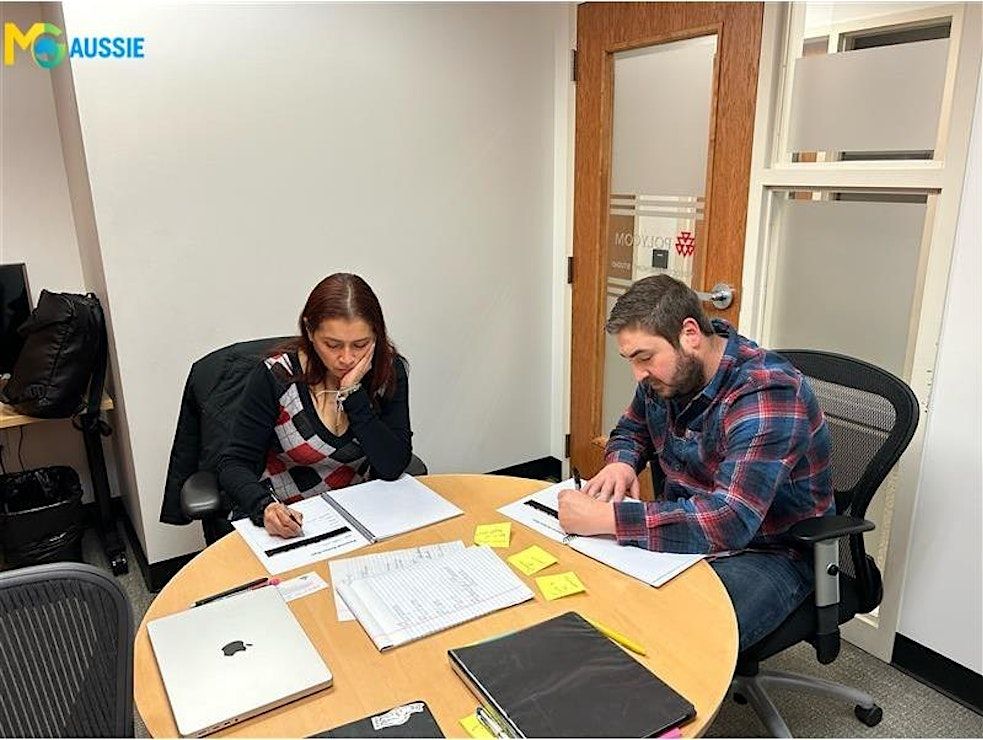
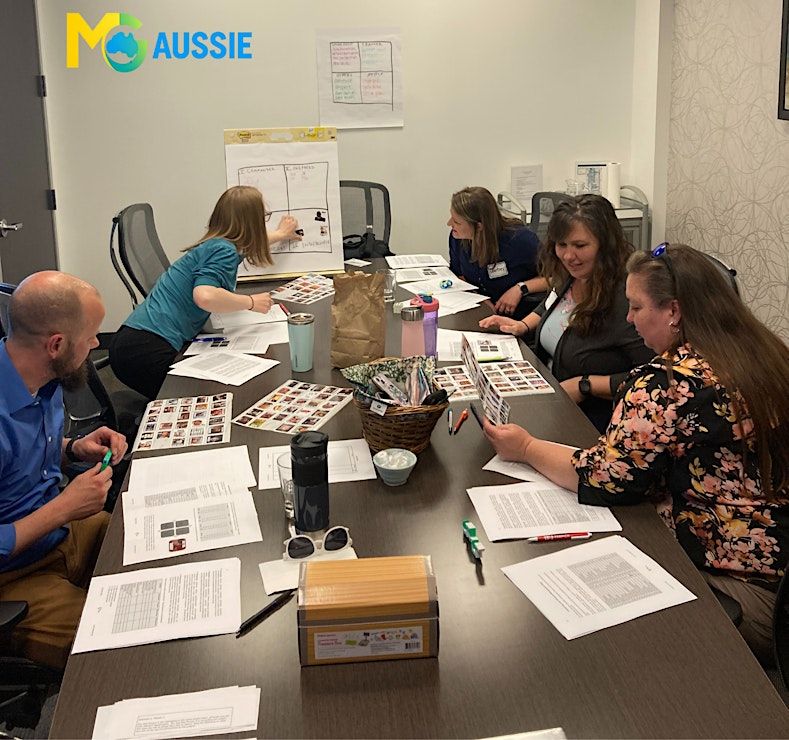
Throughout the day, you'll work through practical demonstrations, guided exercises, and workplace scenarios to learn how Copilot can support your daily tasks.
Learning Outcomes
By the end of this Microsoft Copilot Masterclass, you will be able to:
• Confidently use Microsoft Copilot across Microsoft 365 applications.
• Create better prompts for high-quality AI responses.
• Improve productivity by automating routine work.
• Generate documents, emails, reports, and summaries efficiently.
• Analyze data and extract insights using Excel Copilot.
• Enhance collaboration using Teams and Outlook.
• Apply Microsoft Copilot securely and responsibly in the workplace.
During this workshop, you will learn how to:
- Create professional documents in minutes
- Write better emails with AI assistance
- Analyze Excel data faster
- Generate reports and business summaries effortlessly
- Improve collaboration in Microsoft Teams
- Automate repetitive daily tasks
- Write effective prompts for accurate AI responses
- Use Microsoft Copilot responsibly and securely
Target Audience
Perfect for professionals who use Microsoft 365 and want to increase productivity using AI.
Ideal for:
• Business Professionals
• Managers
• Team Leaders
• Project Managers
• Administrative Professionals
• Business Analysts
• HR Professionals
• Finance Professionals
• Marketing Teams
• Sales Professionals
• Operations Managers
• Customer Support Teams
• Consultants
• Educators
• Microsoft 365 Users
No programming or AI experience is required.
What Makes This Course Different?
Your registration includes much more than classroom training.
This workshop goes beyond communication theory by providing practical leadership techniques that professionals can immediately apply in the workplace. Through instructor-led discussions, leadership simulations, interactive activities, and personalized feedback, participants gain the confidence to communicate effectively in high-impact business situations.
The program emphasizes experiential learning, enabling participants to apply proven communication strategies through realistic business scenarios and collaborative exercises. Each session encourages reflection, skill refinement, and immediate application, ensuring participants leave with the confidence to lead conversations, resolve conflicts, influence stakeholders, and drive meaningful workplace outcomes.
Why Choose Us?
Our Microsoft Copilot Masterclass combines expert instruction, hands-on exercises, and real-world business scenarios to help you confidently use AI across Microsoft 365. Gain practical skills that improve productivity, streamline workflows, and enhance collaboration from day one.
Designed for immediate workplace application, this interactive workshop includes guided activities, practical resources, and personalized learning to help you maximize Microsoft Copilot and work more efficiently in today's AI-powered workplace.
Boost Your Productivity with Microsoft Copilot
Artificial Intelligence is transforming the modern workplace, and Microsoft Copilot is becoming an essential productivity tool for professionals across every industry.
Join this Microsoft Copilot Masterclass to gain practical skills, real-world experience, and proven techniques that you can immediately apply in your daily work to save time, improve efficiency, and unlock the full potential of Microsoft 365.
©2026 MG Aussie Events. This content is protected by copyright law. Copy or Reproduction without permission is prohibited
Why Organizations Choose Microsoft Copilot Training
Organizations invest in Microsoft Copilot training to help employees:
• Improve workplace productivity
• Reduce repetitive manual tasks
• Enhance collaboration across teams
• Produce higher-quality documents
• Improve communication
• Analyze business information more efficiently
• Accelerate digital transformation
• Increase Microsoft 365 adoption
Event Highlights
- Instructor-Led Training
- Hands-On Microsoft Copilot Practice
- Real Workplace Scenarios
- Interactive Exercises
- Practical Business Applications
- Microsoft 365 Productivity Tips
- AI Prompt Engineering
- Resource Library Included
- Certificate Included
📧Ready to bring this powerful workshop to your team? Contact us at [email protected] to schedule your customized in-house session.
Agenda
Module 1: Introduction to Microsoft Copilot
Info: • Understanding Microsoft Copilot and how it works
• Overview of AI-assisted workplace productivity
• Key features and capabilities across Microsoft 365
• Business use cases and productivity benefits
• How Copilot supports everyday work tasks
• Introduction to Microsoft Graph and contextual AI
• Activity: Identifying Your Copilot Use Cases
Module 2: Crafting Effective Prompts
Info: • Understanding prompt structure
• Writing clear and effective instructions
• Using context, format, and tone for better outputs
• Refining and iterating prompts for improved accuracy
• Avoiding vague prompts and common prompting mistakes
• Best practices for achieving reliable AI responses
• Activity: Prompt Writing Challenge
Module 3: Copilot for Microsoft Word
Info: • Creating documents from simple prompts
• Summarizing lengthy reports and documents
• Rewriting content for different audiences
• Editing tone, style, and formatting
• Generating professional reports and proposals
• Improving document consistency and readability
• Activity: The Rewrite Challenge
Module 4: Copilot for Excel
Info: • Generating formulas using natural language
• Cleaning and organizing data efficiently
• Creating tables and business insights
• Building charts and visualizations
• Performing trend and scenario analysis
• Extracting meaningful information from datasets
• Activity: Excel Data Analysis Challenge
Module 5: Copilot for Outlook
Info: • Drafting professional emails and replies
• Summarizing long email conversations
• Extracting action items from email threads
• Managing calendars and scheduling meetings
• Improving communication with AI assistance
• Organizing inbox tasks more efficiently
• Activity: Smart Email Productivity Exercise
Module 6: Copilot for Teams
Info: • Generating meeting summaries automatically
• Extracting action items and follow-ups
• Creating collaborative prompts
• Drafting meeting recap messages
• Enhancing communication within teams
• Improving collaboration using Microsoft Teams
• Activity: Teams Meeting Simulation
Module 7: Workflow Automation with Copilot
Info: • Automating repetitive daily tasks
• Creating AI-assisted workflows
• Integrating Copilot with Microsoft 365 applications
• Managing documents, lists, and work routines
• Improving operational efficiency through automation
• Real-world workflow automation examples
• Case Study: AI-Powered Project Management Workflow
Module 8: Best Practices & Responsible AI Use
Info: • Data security awareness
• Ethical and responsible AI usage
• Human review and quality assurance
• Avoiding common AI mistakes
• Writing secure and responsible prompts
• Applying AI with confidence in the workplace
• Role Play: Responsible AI in Action
Where is it happening?
Event Location & Nearby Stays:
AUD 529.68 to AUD 688.50