Master Data Visualization in 1-Day Workshop | Darwin
Schedule
Wed, 04 Mar, 2026 at 09:00 am to Wed, 05 Aug, 2026 at 05:00 pm
UTC+09:30Location
Regus 66 Smith Street | Darwin City, NT

About this Event
Bring your team and save:
1. Groups of three or more receive a 10% discount
2. Organizations hosting an in-house session with 10+ participants enjoy a 15% discount.
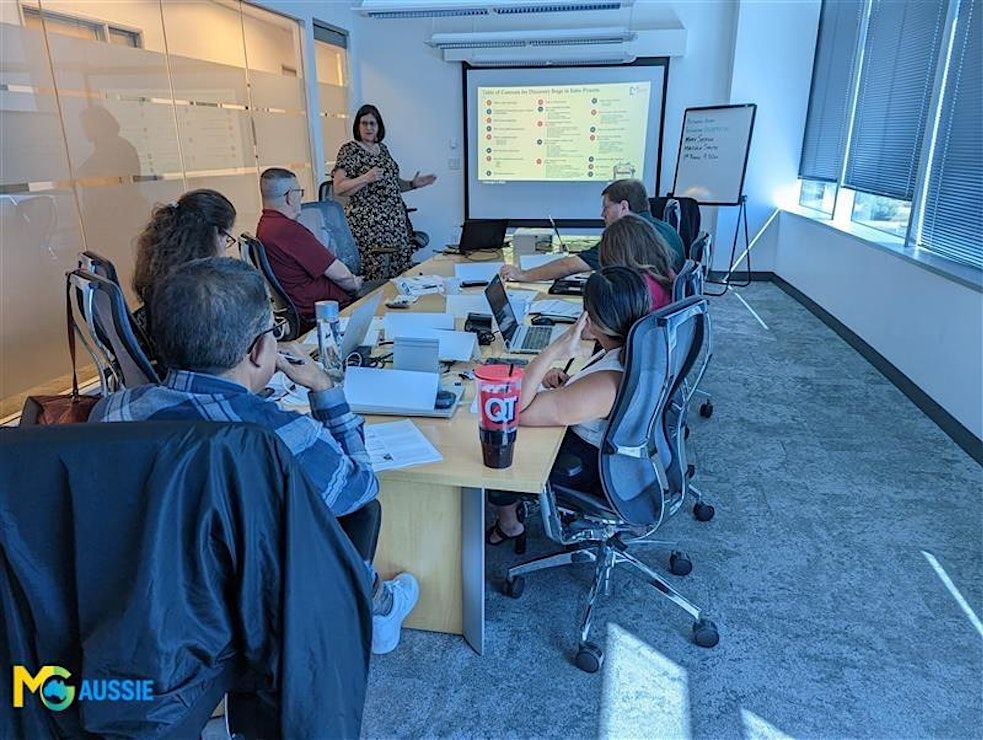
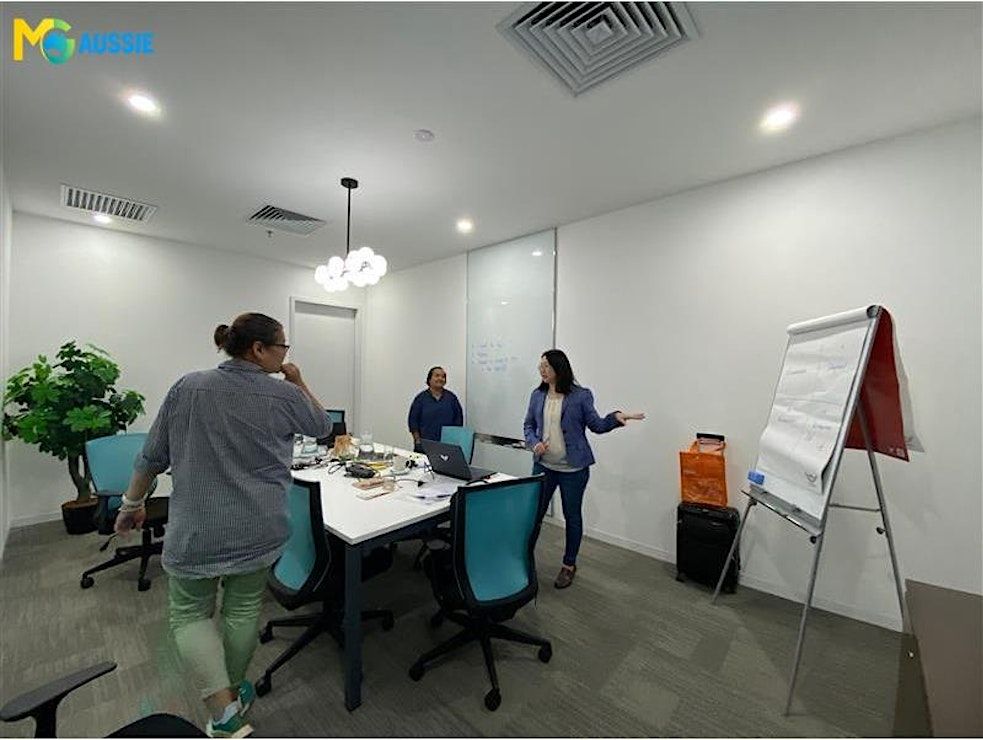
Duration: 1 Full Day (8 Hours)
Delivery Mode: Classroom (In-Person)
Language: English
Credits: 8 PDUs / Training Hours
Certification: Course Completion Certificate
Refreshments: Lunch, Snacks and beverages will be provided during the session
Course Overview:
The Data Visualization (Power BI & Tableau) course enables you to turn complex data into compelling stories and visual dashboards using the most popular visualization tools in the industry. Learn how to import, clean, and visualize data using Power BI and Tableau, while creating dynamic dashboards and reports that support data-informed decision-making.
Learning Objectives:
By the end of this course, you will:
- Import and transform data in Power BI and Tableau
- Build interactive visual dashboards aligned with business goals
- Apply visualization best practices for audience engagement
- Use calculated fields and DAX formulas where necessary
- Create and share compelling data stories with stakeholders
- Understand which tool to apply for different analytics scenarios
Target Audience:
Data analysts, business intelligence professionals, and decision-makers.
Why is it the Right Fit for You?
This course is ideal for professionals looking to make a greater impact with data-driven storytelling. Whether you're already analyzing data or moving into visual analytics, this hands-on training will help you create dashboards that capture attention and drive strategic conversations. With practical comparison of Power BI and Tableau, you’ll understand the strengths of each tool and leave with the confidence to choose the right platform for your business needs.
©2026 MG Aussie Events. This content is protected by copyright law. Copy or Reproduction without permission is prohibited.
Want to enable your team to visualize and communicate insights more effectively?
We offer customized in-house data visualization training using the tools your organization uses most. Curious how Power BI or Tableau can transform your reporting culture? Let us design a practical workshop for your data and business needs.
📧 Contact us today to schedule a customized in-house, face-to-face session:



Agenda
Module 1: Introduction to Data Visualization
Info: • Importance of data visualization in decision-making
• Overview of Power BI and Tableau
• Key differences and use cases for each tool
• Activity
Module 2: Getting Started with Power BI
Info: • Familiarizing with the interface
• Connecting to data sources
• Basic data modeling and relationships
• Activity
Module 3: Creating Visualizations in Power BI
Info: • Bar graphs, line charts, maps, and gauges
• Custom visualizations and themes
• Data filters and slicers
• Case Study
Module 4: Introduction to Tableau Basics
Info: • Interface navigation and workflow
• Drag-and-drop functionality
• Connecting Tableau to different data formats
• Activity
Module 5: Visualization and Dashboards in Tableau
Info: • Chart creation and best practices
• Calculated fields and table calculations
• Building dynamic dashboards
• Activity
Module 6: Data Cleaning & Preparation
Info: • Using Power Query in Power BI
• Data transformation using Tableau Prep
• Handling missing values, duplicates, and formatting
• Activity
Module 7: Storytelling with Data
Info: • Defining insights and narrative flow
• Combining visuals into storytelling formats
• Aligning visuals with business questions
• Case Study
Module 8: Sharing Reports & Collaboration
Info: • Publishing reports to Power BI service
• Tableau Public and Server sharing options
• Embedding and exporting reports
• Activity
Where is it happening?
Regus 66 Smith Street, 66 Smith Street #Level 4 and 5, Darwin City, AustraliaEvent Location & Nearby Stays:
AUD 619.67 to AUD 847.33