Design Your Podcast with Canva

About this Event
In this beginner-friendly, hands-on workshop, you’ll learn how to use Canva to create simple, eye-catching graphics for your podcast. Canva makes designing easy with ready-made templates, drag-and-drop tools, and tons of customizable options.
We’ll cover how to:
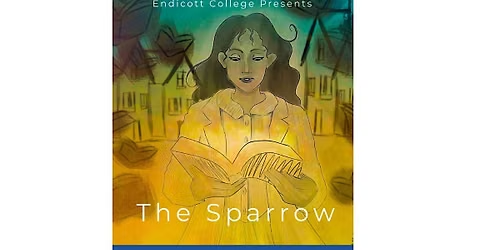
- Create podcast cover art (a requirement for all podcast platforms)
- Design episode graphics and promotional images
- Create simple intro and outro visuals
- Find and customize Canva templates
- Add and format text, photos, colors, and other design elements
- Resize and download your designs for different platforms
- Create a consistent look you can easily reuse for future episodes
Already have a podcast? Bring your podcast name, logo, photos, or other materials you'd like to work with. You’ll have the opportunity to create graphics for your own show during the workshop.
Just getting started? No problem! You can create something from scratch or follow along with a sample project.
No previous Canva or graphic design experience required. A free Canva account is all you need. Bring your own laptop or use one of ours.
Part of our Podcasting Made Easy Mini-Series
This workshop is Part 1 of our two-part beginner-friendly series:
Part 1: Design Your Podcast with Canva
Create the visual elements for your podcast.
Part 2: (Nov 12th)
Learn an easy, text-based approach to editing your podcast and putting your episode together.
Take one workshop or take both! Each workshop stands on its own, so you're welcome to register for whichever topic interests you, or join us for both and take your podcast from design to finished episode.
*We want our workshops to be accessible to everyone. If cost is a barrier, we offer one scholarship spot per workshop. No explanation or documentation is required- simply email [email protected] to apply.
Where is it happening?
Event Location & Nearby Stays:
USD 15.00 to USD 20.00