Create Social Media Graphics – 1 Day Beginner Course in Toronto

About this Event
Group Discounts:
- Save 10% when registering 3 or more participants
- Save 15% when registering 10 or more participants
For more information on venue address, reach out to "[email protected]"
Duration: 1 Full Day (9:00 AM – 5:00 PM)
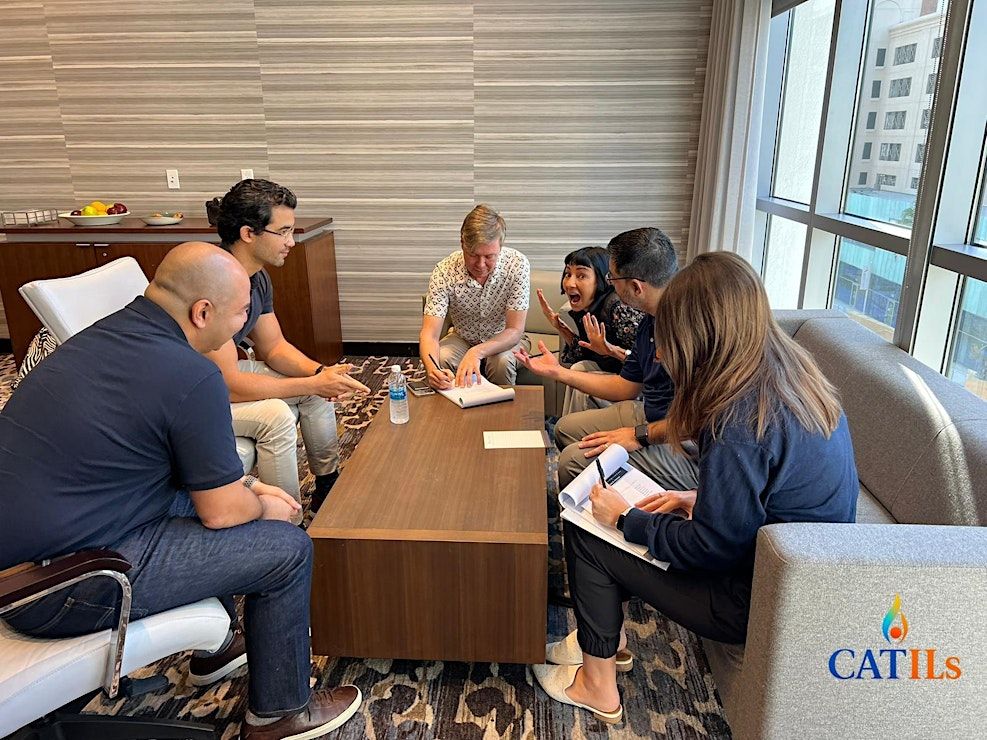
Delivery Mode: Classroom (In-Person)
Language: English
Credits: 8 PDUs / Training Hours
Certification: Course Completion Certificate
Refreshments: Lunch, beverages, and light snacks included
Course Overview
This beginner-focused workshop introduces participants to the essential skills needed to design clean, attractive, and engaging social media graphics. Using user-friendly tools like Canva, attendees will explore basic design principles, color harmony, font pairing, composition techniques, and practical methods to create professional visuals.
The workshop emphasizes hands-on practice through real design tasks, brand-based exercises, and creative brainstorming sessions. By the end of the course, participants will confidently create posts, stories, banners, and promotional visuals suitable for multiple social media platforms.
Learning Objectives
• Understand basic design principles for social media
• Use beginner-friendly tools like Canva confidently
• Customize templates for unique and branded visuals
• Apply colors, fonts, and layouts effectively
• Create platform-specific graphics quickly
• Repurpose visuals for multiple content formats
• Export high-quality images suitable for posting
Target Audience
• Social media beginners
• Small business owners
• Marketing & communications teams
• Students and freelancers
• Influencers and content creators
• Anyone wanting to design without technical skills
Why Choose This Course?
This workshop provides an easy, practical introduction to designing engaging social media graphics using simple tools and beginner-friendly techniques. Participants gain confidence as they produce visually appealing content suitable for any platform.
©2026 Catils. This content is protected by copyright law. Copy or Reproduction without permission is prohibited.
Want to train your whole team together?
Organizations can request a customized in-house workshop to help teams create consistent, branded visuals for marketing, promotions, and communication.
📧 Contact us today to schedule a customized in-house, face-to-face session:
Agenda
Module 1: Introduction to Social Media Design
Info: • Explore different social media visual formats and dimensions.
• Understand the basics of layout, balance, and visual flow.
• Get familiar with simple design tools ideal for beginners.
• Icebreaker Activity
Module 2: Design Principles for Beginners
Info: • Apply color theory, font pairing, and spacing rules.
• Use visual hierarchy to make content stand out.
• Build clean and attractive compositions using easy guidelines.
• Activity
Module 3: Designing with Templates
Info: • Modify pre-made templates to suit brand needs.
• Replace elements while keeping visual consistency.
• Adjust layouts for different platforms (posts, stories, banners).
• Role Play
Module 4: Creating Engaging Visuals
Info: • Design promotional, informational, and aesthetic posts.
• Use icons, shapes, frames, and creative effects.
• Add photos, overlays, and filters for impact.
• Case Study
Module 5: Using Images & Media Elements
Info: • Choose high-quality images and visual assets.
• Apply image editing tools inside Canva.
• Maintain clarity, alignment, and readability.
• Simulation
Module 6: Repurposing & Resizing Designs
Info: • Resize graphics for multiple social platforms instantly.
• Repurpose designs into reels, stories, ads, and carousels.
• Use simple tools to speed up the design workflow.
• Group Brainstorm Activity
Module 7: Exporting & Sharing Graphics
Info: • Export high-quality designs in the right formats.
• Organize design folders for consistent posting.
• Build a mini visual identity or content style guide.
• Action Plan Review
Where is it happening?
Event Location & Nearby Stays:
CAD 726.83 to CAD 931.76