CAD Basics: 1-Day Skill Development Session | Darwin
Schedule
Wed, 11 Mar, 2026 at 09:00 am to Mon, 10 Aug, 2026 at 05:00 pm
UTC+09:30Location
Regus 66 Smith Street | Darwin City, NT

About this Event
Bring your team and save:
1. Groups of three or more receive a 10% discount
2. Organizations hosting an in-house session with 10+ participants enjoy a 15% discount.
Duration: 1 Full Day (8 Hours)
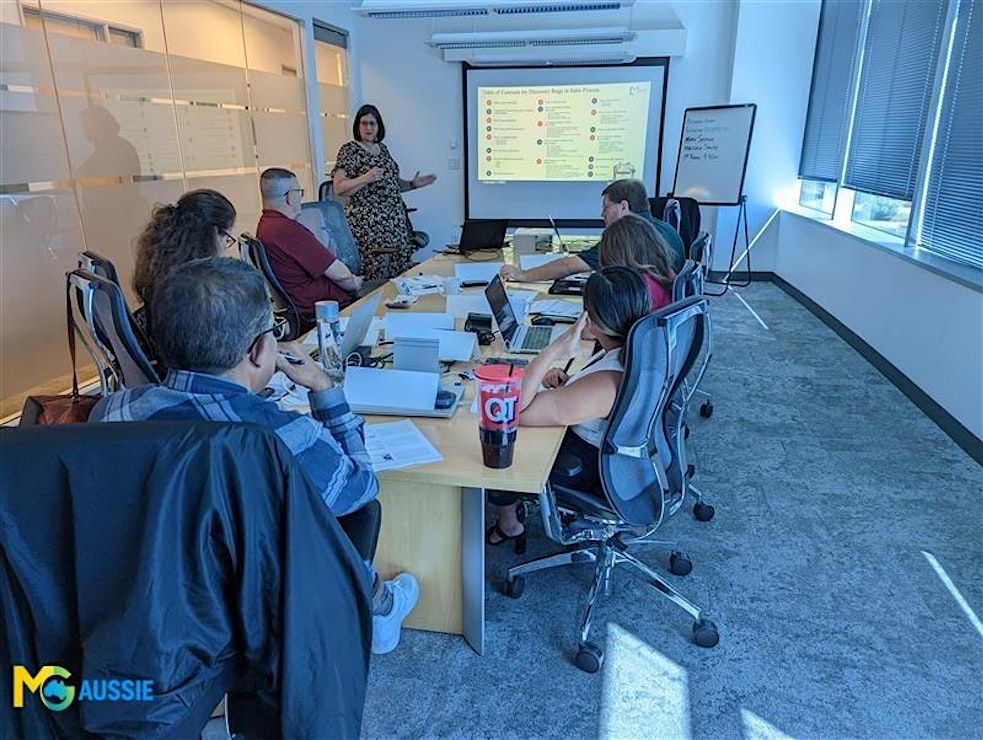
Delivery Mode: Classroom (In-Person)
Language: English
Credits: 8 PDUs / Training Hours
Certification: Course Completion Certificate
Refreshments: Lunch, Snacks and beverages will be provided during the session
Course Overview:
The CAD Basics course introduces you to the fundamental tools and techniques of computer-aided design (CAD) for creating professional 2D drawings and 3D models. You’ll gain hands-on experience with popular CAD software, enabling you to visualize ideas, draft designs accurately, and communicate technical concepts effectively—an essential skill for engineering, architecture, and product design.
Learning Objectives:
By the end of this course, you will:
- Understand the fundamental features and workflow of CAD software
- Create precise 2D engineering drawings using drafting tools
- Build and modify basic 3D models for visualization
- Apply standard dimensioning and annotation techniques
- Visualize designs in multiple views and realistic rendering styles
- Gain confidence to begin more advanced CAD drafting and modeling work
Target Audience:
Engineering students, product designers, and technical professionals.
Why is it the Right Fit for You?
Whether you're planning a career in engineering, product design, or architecture, strong CAD skills are essential. This course gives you the foundational knowledge you need to begin designing with precision and clarity. Through hands-on training using industry-standard software, you'll learn by doing, guided by experts with real-world experience. Ideal for beginners, it helps you bridge the gap between ideas and executable designs while preparing you for further specialization or on-the-job application.
©2026 MG Aussie Events. This content is protected by copyright law. Copy or Reproduction without permission is prohibited.
Want to train your team in CAD for improved design efficiency?
We offer fully customizable in-house CAD basics training tailored to your organization’s software preferences, industry use cases, or project focus. Want your team to create accurate digital prototypes and technical drawings more confidently? Let us build the perfect training solution for your design team.
📧 Contact us today to schedule a customized in-house, face-to-face session:



Agenda
Module 1: Introduction to CAD
Info: • Overview of CAD and its applications
• Interface navigation and file management
• Coordinate systems and units setup
• Activity
Module 2: 2D Drafting Essentials
Info: • Drawing basic shapes and lines
• Creating geometric constraints
• Using layers and object properties
• Activity
Module 3: Dimensioning & Annotations
Info: • Applying accurate dimensions
• Text and labeling techniques
• Standards for engineering drawings
• Case Study
Module 4: Introduction to 3D Modeling
Info: • Transitioning from 2D to 3D
• Creating basic 3D shapes and extrusions
• Modifying and editing solid models
• Activity
Module 5: Design Visualization
Info: • Rendering and view manipulation
• Visual styles and shading
• Creating orthographic and isometric views
• Activity
Module 6: Design Drafting Best Practices
Info: • Use of templates and blocks
• Standardizing drawing elements
• Organizing layers and line weights
• Case Study
Module 7: Hands-on Mini Project
Info: • Create a 2D draft and 3D model from a given brief
• Apply dimensioning and standards
• Present the final model with views
• Activity
Where is it happening?
Regus 66 Smith Street, 66 Smith Street #Level 4 and 5, Darwin City, AustraliaEvent Location & Nearby Stays:
AUD 619.67 to AUD 847.33